 WidgetLoft
Your apps, one tap away
Group your apps into folder widgets for the Home Screen, Lock Screen and Dynamic Island. Tap a tile and the app opens.

- 5.0App Store
- 45 languages
- iPhone & iPad

 Camera
 Photos
 Clock
Clock
 Notes
Notes
 Maps
Maps
 Reminders
 App Store
 Settings


Tap a folder. It opens right inside the widget.
One folder, everywhere
Every size, every screen
The same group works as a small, medium or large widget, on the Lock Screen and in the Dynamic Island.











Medium
Small
Small







Large
Up to 77 apps in one widget
The new iOS 27 Extra Large widget turns a whole Home Screen page into your launcher.
Extra Large
Thursday, September 17
9:41
Lock Screen
Dynamic Island
Try it here
Make the widget yours
Pick a size, a color and a style. These are the same choices you get in the app.
And there's more
Everything your Home Screen was missing
Dark icons for every app
Popular apps come with ready-made dark icons, and the rest get one made right on your phone as you add them.
Folders inside folders
Tap a folder and it opens right in the widget, with a back button you can style.
Transparent and Liquid Glass
See-through or frosted widgets that let your wallpaper show, or pick from colorful themes.
One tap in the Dynamic Island
Keep a row of your favorite apps in the Dynamic Island and on the Lock Screen.
Websites in your browser
Open a site in Chrome, Firefox, Brave or any browser you choose, or full screen inside the app.
Icons your way
Your own photo, thousands of symbols, emoji or letters, with separate light and dark designs.
Notification dots
On iOS 27, a dot on the tile tells you which app has something new.
Contacts one tap away
Call, message, FaceTime or open a WhatsApp chat with someone straight from a widget.
Everything in one app
Your apps, your folders, your Home Screen
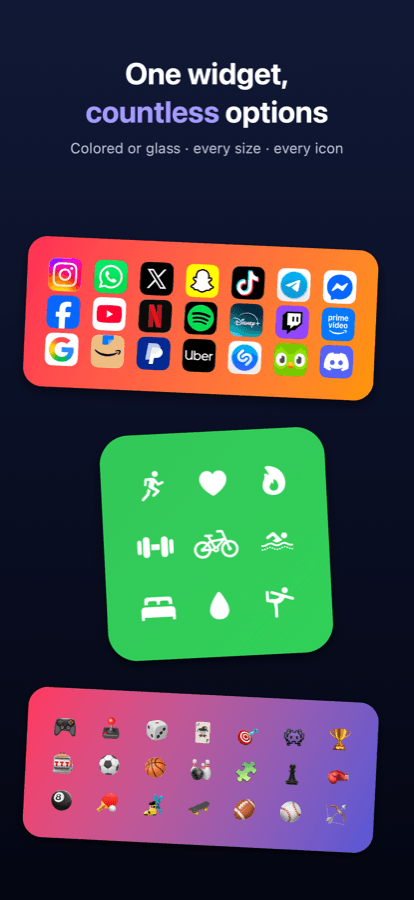
One widget, every size
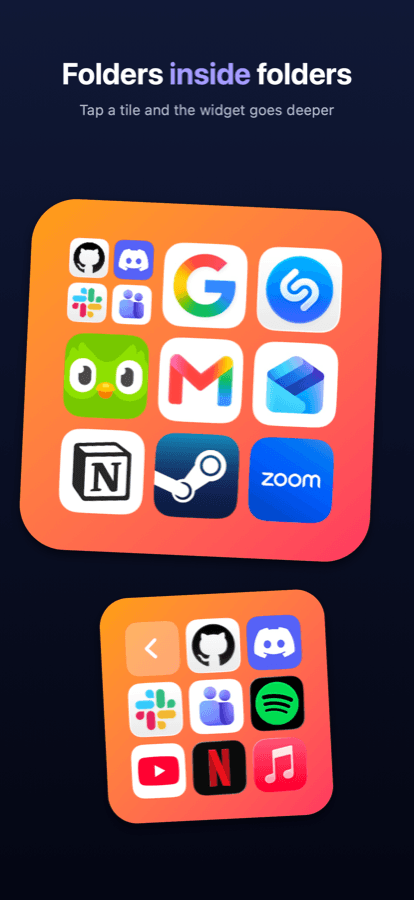
Folders inside folders
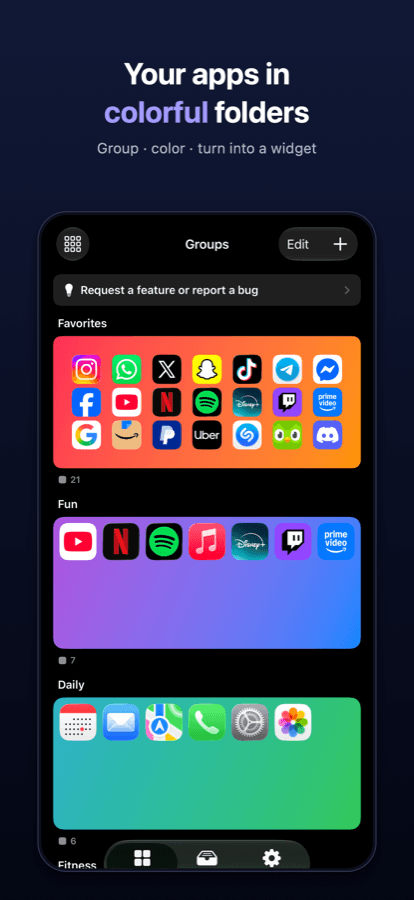
A colorful group for every routine
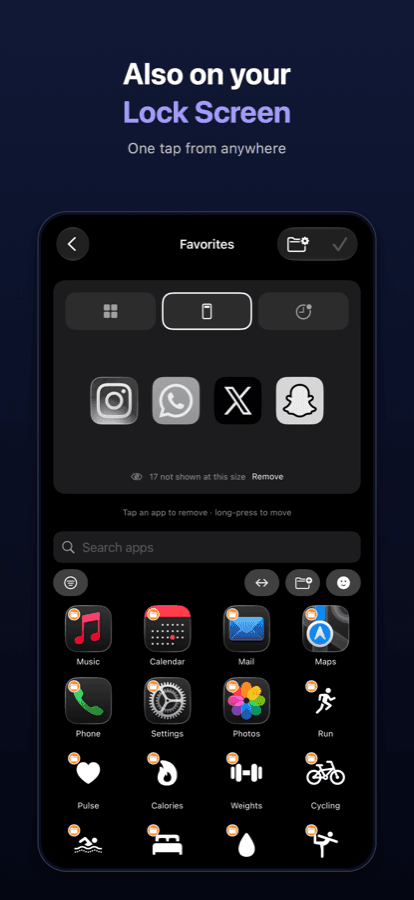
Home Screen, Lock Screen, Dynamic Island
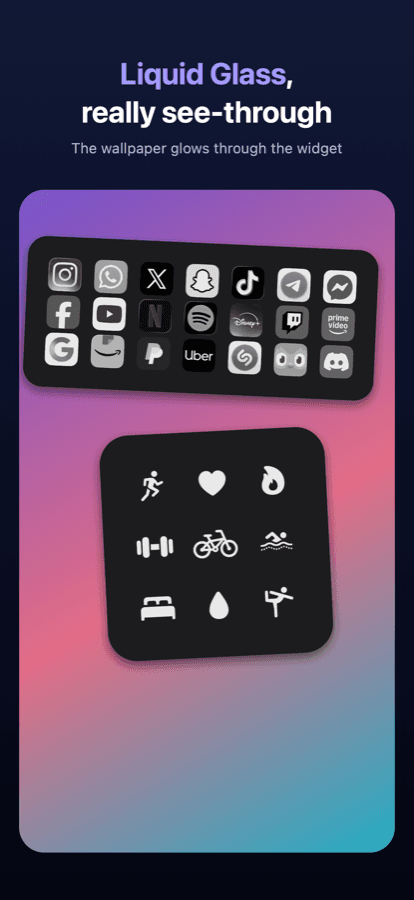
Widgets you can see through
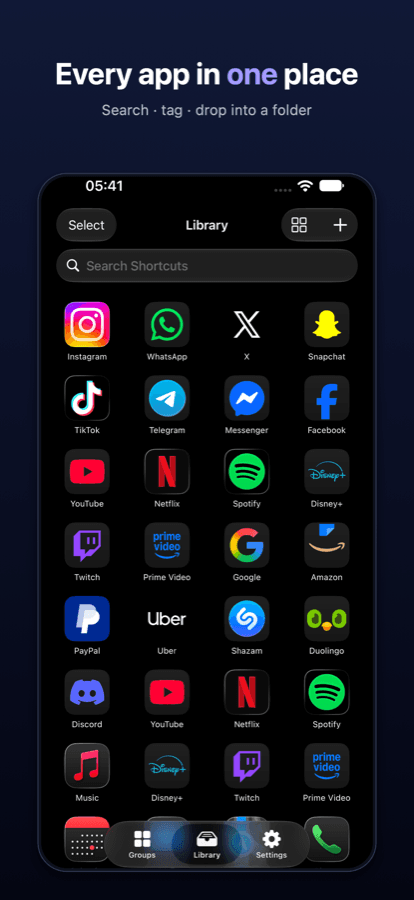
All your apps in one place
Real reviews from the App Store
 WidgetLoftApp Store review
“I can add my apps easily, no fussing around with shortcuts or url schemes. I can make subfolders with relevant icons. The widget looks tidy and functions correctly.”
Ready to tidy up?
Build your first folder widget in a minute.
© 2026 WidgetLoft